
Table of Contents
If you receive Social Security, you already know the hardest part is not always the amount. It is timing. Benefits land on a schedule, while life does not. A prescription refill, utility bill, grocery run, or car repair can show up a few days before your deposit hits. That timing gap is why many people search for cash advance social security options in the first place.
Cash advance apps can help, but only if you pick the right kind. Some apps are built for employees accessing wages early, which may not fit retirees or disability recipients who do not have an employer payroll system. Others are designed around recurring deposits and verified account activity, which can be a better match for Social Security income.
This guide covers how these apps work in 2026, what to look for if you live on benefits, and a practical shortlist of options to consider, including Beem Everdraft™.
How Cash Advance Apps Work When Your Income Is Social Security
Most cash advance apps are not “loans” in the traditional sense. They typically provide a small advance, then recover it later through your linked bank account when a deposit arrives. The app decides how much you can access based on patterns it can verify, like deposit history, account age, and transaction behavior.
That is the key idea for Social Security recipients: the app needs to recognize your deposits as consistent, real, and reliable. It usually does not matter whether the deposit is “wages” as long as the app’s eligibility system accepts it as a qualifying deposit. The catch is that each app defines qualifying deposits differently, so two people with the same Social Security deposit can have totally different results depending on the app.
A good cash advance social security app should do three things well:
- Work with recurring deposits without requiring employer verification.
- Offer a free delivery option (even if it is slower) so you are not forced into a fee.
- Be transparent about costs and repayment mechanics before you confirm.
What To Look For In A Cash Advance Social Security App
Deposit requirements that match benefits, not payroll
Some apps are strictly earned wage access. They may ask for employer time tracking, work email verification, or payroll providers. Those are a mismatch if your primary income is SSA benefits.
For Social Security recipients, the best fit is usually an app that focuses on verified incoming deposits and account history, not workplace verification.
Free standard transfers, optional instant delivery
In 2026, “instant” usually means a debit card transfer or similar rail that can carry a flat fee. You want the ability to choose standard ACH when you can wait, and reserve instant for true emergencies.
Clear repayment behavior
Look for apps that explain when repayment is recovered and how it is triggered. Many products recover funds when your next deposit arrives, which is fine if you keep a small buffer. It is risky if your account regularly sits near zero.
A realistic max amount
If an app advertises “up to $500” or “up to $1,000,” that does not mean you will get that on day one. Most users start lower. A good guide helps you plan for that instead of chasing the headline.
People Also Read: Beem App Review
Best Cash Advance Apps For Social Security Recipients In 2026
Below are options that can work well for a cash advance social security use case. Availability, eligibility, and limits vary, so treat these as starting points and confirm what your app shows after linking your account.
1) Beem Everdraft™
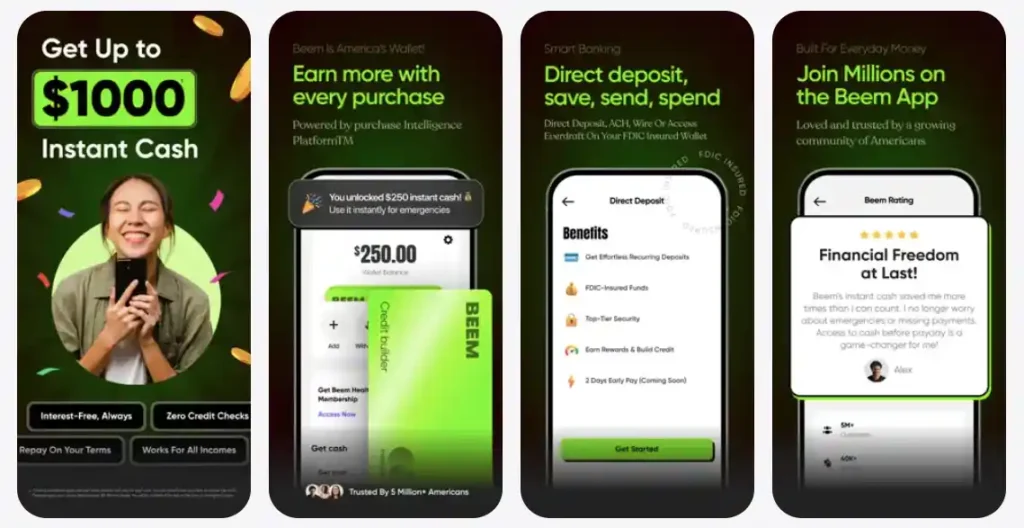
Beem’s Everdraft™ is built around the idea of accessing future deposits for emergencies, with no interest, no credit checks, and no income restrictions. That matters for Social Security recipients because it is not framed as “earned wages only.” It is designed to work with verified incoming deposits and repay when deposits arrive.
What also makes the Beem app stand out in this category is delivery flexibility. Beem supports receiving funds into your Beem Wallet, a debit card, or even as gift cards or prepaid cards, which can be useful if you need a specific purchase option instead of a bank transfer.
Plan tiers set your access ceiling, from $10 on Lite up to $1,000 on Pro, and Beem shows both free standard transfer and optional instant delivery fees that vary by plan.
When Beem is a strong fit: you want a cash advance app that is not employment-dependent, you want clear plan-based access, and you want the option to choose free, slower delivery when you can wait.
2) MoneyLion Instacash
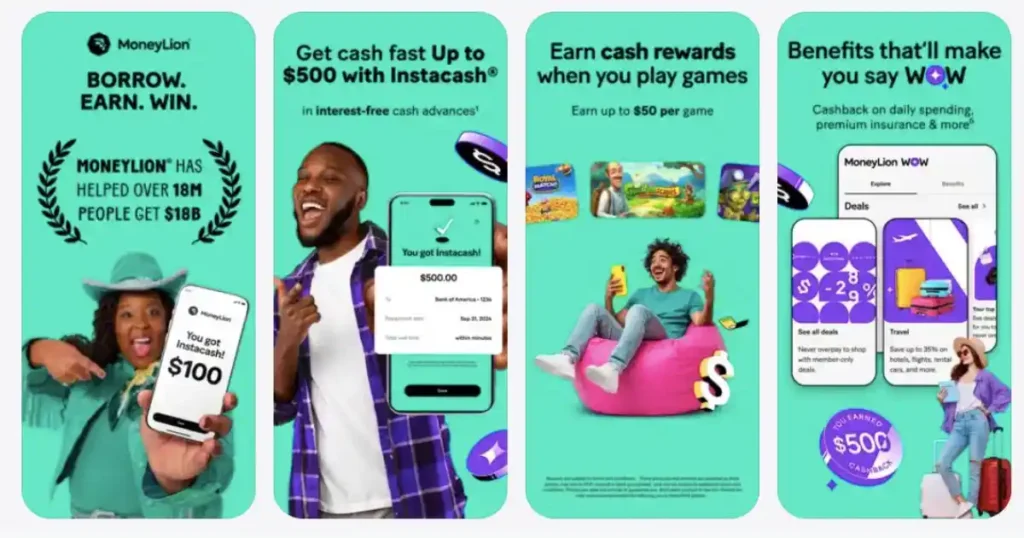
MoneyLion’s Instacash can offer up to $1,000 per request cycle, depending on the direct deposit account and other factors, and their terms describe how limits relate to anticipated eligible direct deposits.
The key for Social Security recipients is whether your deposit is treated as an eligible direct deposit by their system and whether you are willing to use their account setup for deposit routing. MoneyLion explicitly references direct deposits into their RoarMoney account and “other payor” language on their cash advance page, which can matter for benefits income.
When MoneyLion is a strong fit: your deposits are consistent, you are comfortable using their ecosystem, and you want a path to potentially higher limits over time.
3) Varo Cash Advance
Varo offers cash advances starting in the $20 to $250 range, with the ability to build toward $500 over time, and they position it as no interest with a flat fee per advance.
For Social Security recipients, the detail that matters is deposit qualification. Varo’s support documentation describes meeting deposit requirements through methods like $800 or more in qualifying direct deposit into a Varo account, or $800 or more in deposits for prior months, including an option tied to an externally linked checking account under certain conditions.
When Varo is a strong fit: your monthly benefit deposit meets the stated thresholds, and you want a bank-centered experience.
4) Brigit Instant Cash
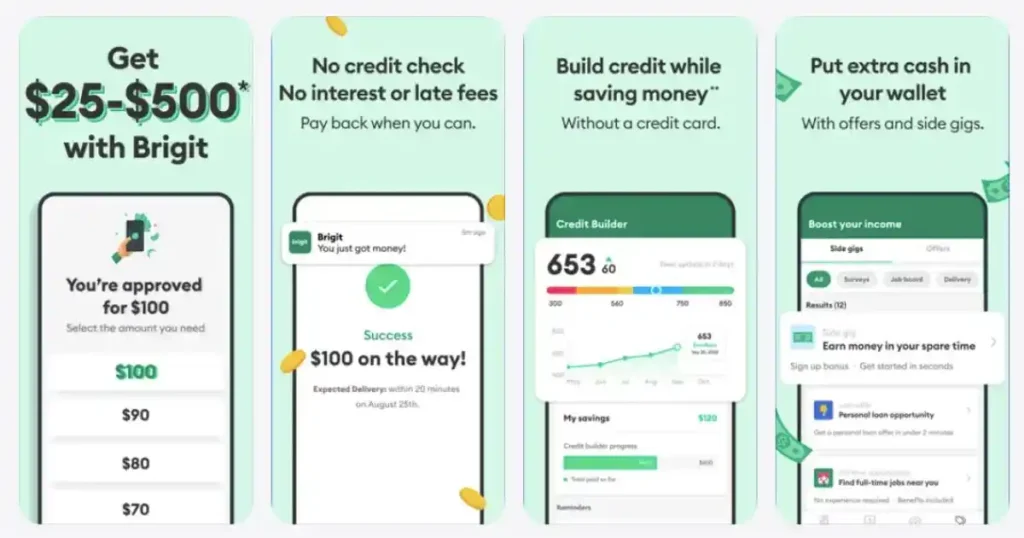
Brigit positions Instant Cash with free delivery in a few business days and optional express delivery for a fee. Their help documentation describes advance ranges that can go up to $500 depending on eligibility, and it also notes that a monthly subscription may apply with plan pricing ranges.
For Social Security recipients, Brigit can work if your deposits and account activity meet their eligibility, but it is important to evaluate whether a monthly fee makes sense for how often you actually need an advance.
When Brigit is a strong fit: you want overdraft-related tools bundled with access, and the subscription cost pencils out for your usage.
5) Dave ExtraCash
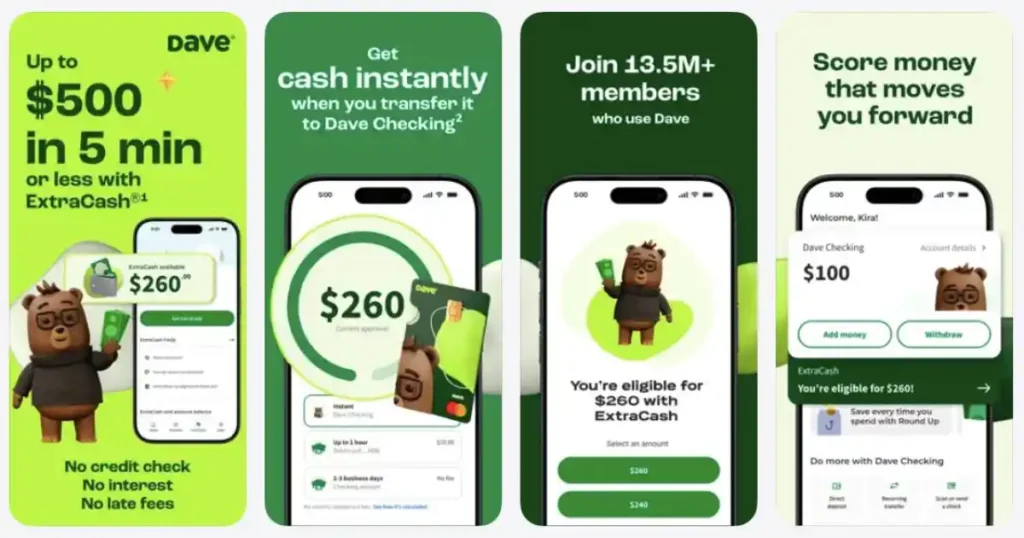
Dave’s ExtraCash ranges from $25 to $500, and Dave’s own disclosures describe an overdraft fee structure equal to the greater of $5 or 5% plus optional transfer fees, with a membership fee mentioned as well.
For Social Security recipients, Dave can work if your account qualifies and you are comfortable with the fee model. The practical warning is that percentage-based fees can feel heavy when you are taking small amounts.
When Dave is a strong fit: you need a smaller advance, you qualify quickly, and you are comfortable with the total cost.
6) Cleo
Cleo’s pricing page lists paid plans and indicates cash advances up to $250 on those plans.
One reason to be more careful here is that the cash advance app category has faced scrutiny around marketing clarity and subscription friction, and Cleo has publicly reported regulatory action in recent years. That does not automatically mean “avoid,” but it does mean you should read plan terms, confirm cancellation flow, and treat it like a subscription decision, not a one-time cash tool.
When Cleo is a fit: you want the broader app experience and the subscription value is worth it for you.
7) EarnIn Cash Out and Chime MyPay
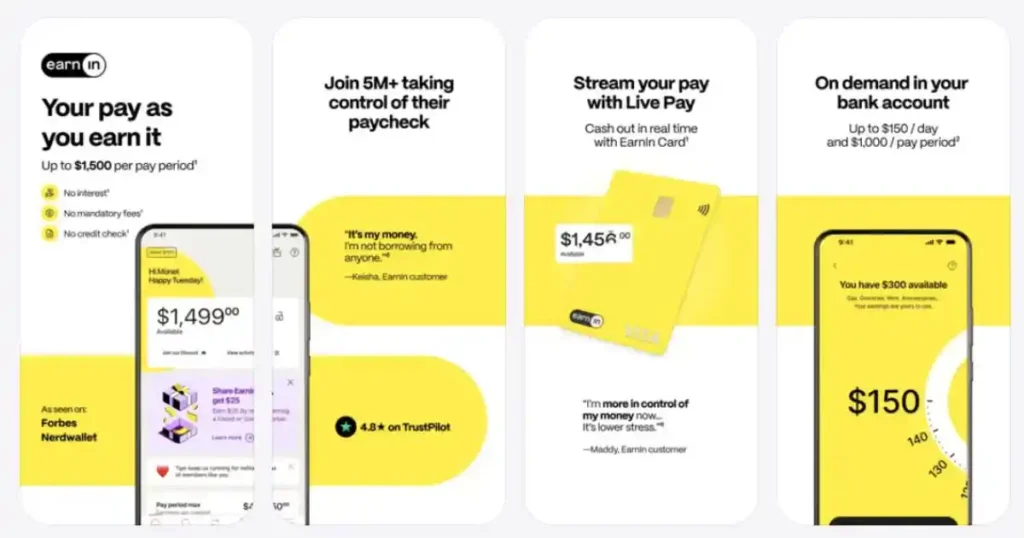
EarnIn and Chime MyPay are both framed around pay and direct deposit history. EarnIn is earned wage access and discusses getting paid as you work, up to $1,000 per pay period, with optional transfer fees for speed. Chime MyPay is described as getting up to $500 of your pay before payday and requiring qualifying direct deposits.
If your only income is Social Security benefits, these may not be the best starting point unless your benefit deposit is treated as a “qualifying direct deposit” by their systems. If you do have part-time work income in addition to benefits, these can be worth checking.
People Also Read: Why Beem is America’s Favorite App
Cash Advance Social Security Options At A Glance
| App | Best for | Typical max mentioned | Main cost model | Deposit requirement style | Free delivery option |
| Beem Everdraft™ | Benefits-style recurring deposits, flexible delivery | Up to $1,000 depending on plan | Subscription + optional instant fee | Verified incoming deposits, no income restrictions | Yes, standard transfer |
| MoneyLion Instacash | Higher potential limits if deposits qualify | Up to $1,000 | Varies, tied to account and deposits | Direct deposit focused (RoarMoney and eligibility) | Depends on method |
| Varo Cash Advance | Bank-led advance with clear thresholds | Up to $250 now, build to $500 | Flat fee per advance | Deposit requirement thresholds | Yes, depending on rail |
| Brigit Instant Cash | Subscription bundle with advances | Up to $500 depending on eligibility | Subscription + optional express fee | Account activity eligibility | Yes, 2 to 3 business days |
| Dave ExtraCash | Smaller emergencies, fast decisioning | Up to $500 | Membership + overdraft fee model | Eligibility based on linked account | Varies |
| Cleo | Subscription experience plus advance | Up to $250 | Subscription | App eligibility | Not always clear |
| EarnIn Cash Out | People with earned wages | Up to $1,000 per pay period | Tips and optional transfer fee | Earned wages model | Yes, slower option |
| Chime MyPay | People with qualifying direct deposit | Up to $500 | Optional instant fee | Qualifying direct deposits | Yes, within 24 hours |
How To Use Cash Advance Apps Safely On Social Security In 2026
Keep a small buffer if you can
Many cash advance apps recover repayment when deposits arrive. If your account is often near zero, that recovery can collide with rent, utilities, or autopay bills. Even a small buffer reduces the risk of your bank charging overdraft fees.
Treat instant delivery like a last-mile delivery fee
If you can wait, free standard transfer is usually the smarter play. Save instant delivery for situations where speed prevents a bigger cost like a shutoff fee or late payment penalty.
Avoid stacking subscriptions
If you pay $6 to $15 a month for three different apps, you can accidentally recreate the very cash crunch you are trying to solve. Pick one tool that matches your deposit type and stick with it.
Watch for the “debt treadmill” problem
Cash advance apps can be helpful, but the entire category can also become a crutch if you are using it every month. Consumer reporting has highlighted how fees and repeat usage can add up over time. If you find yourself advancing every deposit cycle, the real fix is usually a tighter budget plan and expense reduction, not a bigger advance.
Final Word
If you live on Social Security, the best cash advance app is not the one with the loudest “up to” number. It is the one that matches how you are actually paid, keeps costs predictable, and gives you a free option when you can wait.
If you are specifically searching for cash advance social security solutions in 2026, start by filtering apps into two buckets: earned wage access (usually paycheck-based) versus recurring deposit-based tools (often more benefits-friendly). From there, pick one app that fits your deposit pattern and use it like a bridge, not like a monthly income replacement
People Also Ask
1. Can you get a cash advance with Social Security income?
Yes, it is possible, especially if your Social Security benefits are deposited into a checking account, and the app’s eligibility system accepts that deposit pattern as qualifying. The reality is that each app defines qualifying deposits differently, so the right approach is to choose apps that work with verified incoming deposits or recurring deposits rather than apps that require employer wage verification.
2. What is the best cash advance social security option if you do not have a job?
Look for apps that do not require employer verification and instead evaluate verified incoming deposits and account history. Beem positions Everdraft™ as having no income restrictions and as being tied to deposits arriving, which is the kind of framing that tends to fit benefits income better than earned wage tools.
3. Do cash advance apps charge interest like payday loans?
Many cash advance apps position themselves as no-interest, but they may charge other costs like subscriptions, instant delivery fees, or optional tips. The safest way to compare is to focus on total monthly cost and cost per advance, not just whether the word “interest” is present.
4. How do I avoid fees when using a cash advance app?
Use the free standard transfer option when you can wait, avoid instant delivery unless it prevents a larger cost, and avoid paying multiple subscription fees across apps. Also, only take what you truly need, because small advances with flat instant fees can become expensive in percentage terms.
5. What should I do if I need cash today but do not want a payday loan?
Start with a cash advance app that offers a transparent fee structure, a free delivery option, and eligibility based on recurring deposits. If you still cannot qualify, consider other safer options like negotiating a payment plan with the biller, using local assistance programs, or talking to a nonprofit credit counselor before turning to high-cost payday lending.